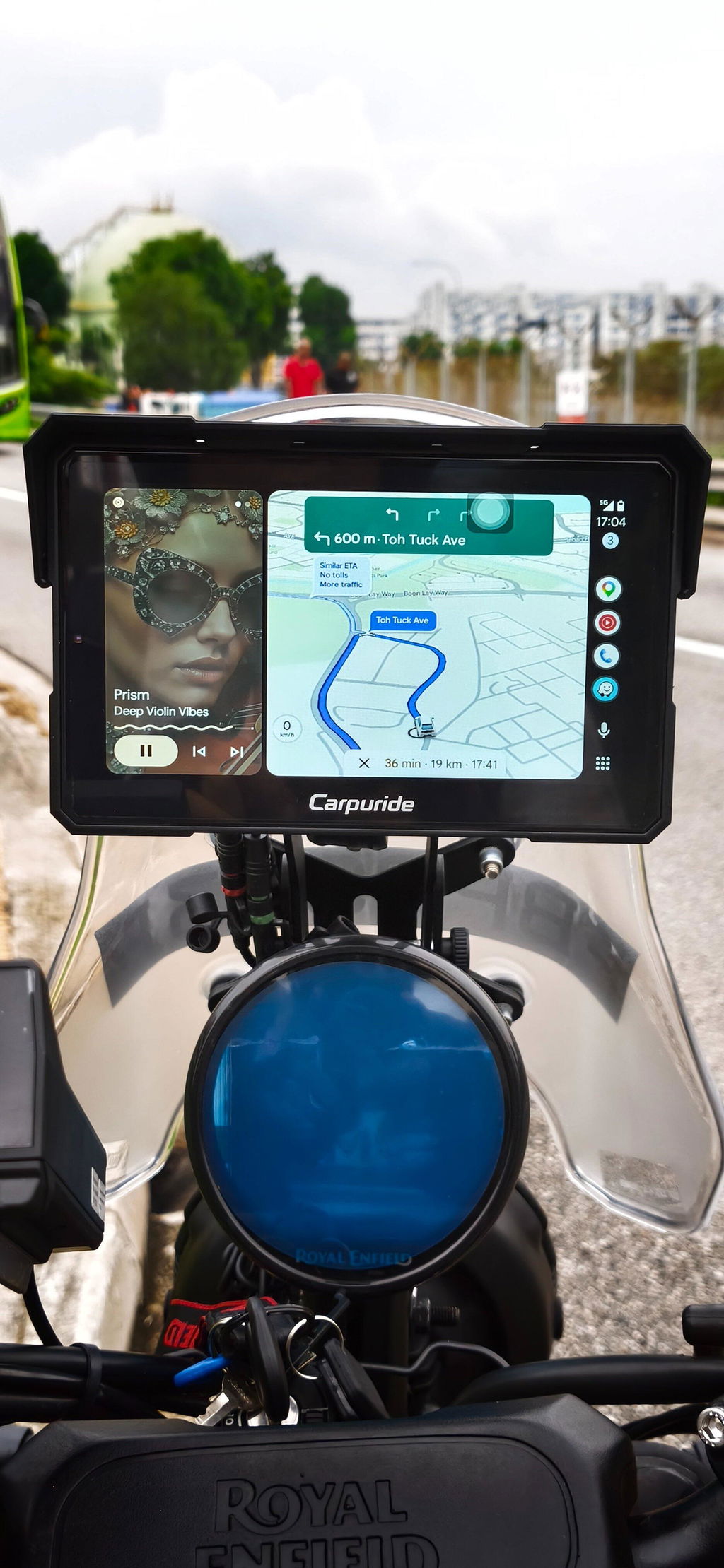
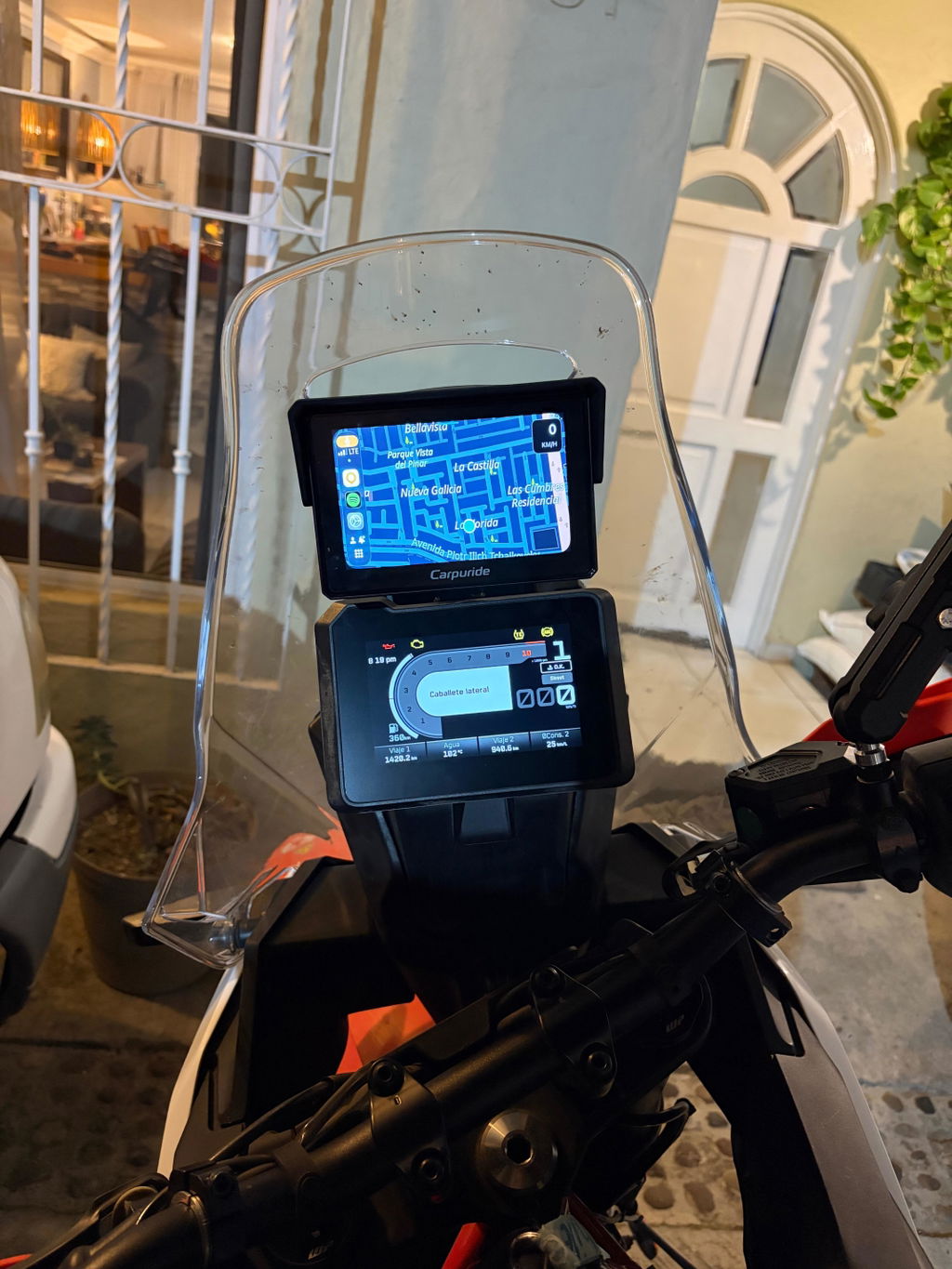
Rain reliability comes down to four practical things: the ingress protection rating, how the controls behave with wet gloves, whether the connectors and card slot are sealed, and whether you can still read the screen through a wet visor. IP67 addresses water and dust ingress — it says nothing about impact, pressure washing, or condensation forming inside a housing that cools overnight.
What IP67 actually covers
The second digit of an IP rating is water. A rating of 7 means protection against the effects of temporary immersion in water under defined conditions. The first digit, 6, means dust-tight. Carpuride lists IP67 for the W702S Plus, and the same rating appears across the S Pro family.
Three limits follow directly. A temporary immersion rating is not a diving rating, so do not leave the unit submerged. It is not a jet rating, so pressure washing the display or its connectors works against you. And it is a housing rating rather than a temperature rating, so it does not describe how the unit behaves when a hot screen meets cold rain.
Wet gloves: why physical controls matter
A capacitive touchscreen reads the electrical properties of your fingertip. Rain changes that reading, gloves interrupt it, and a wet glove can produce either no input or a false one. Any rider who has tried to change a screen in a downpour knows the result.
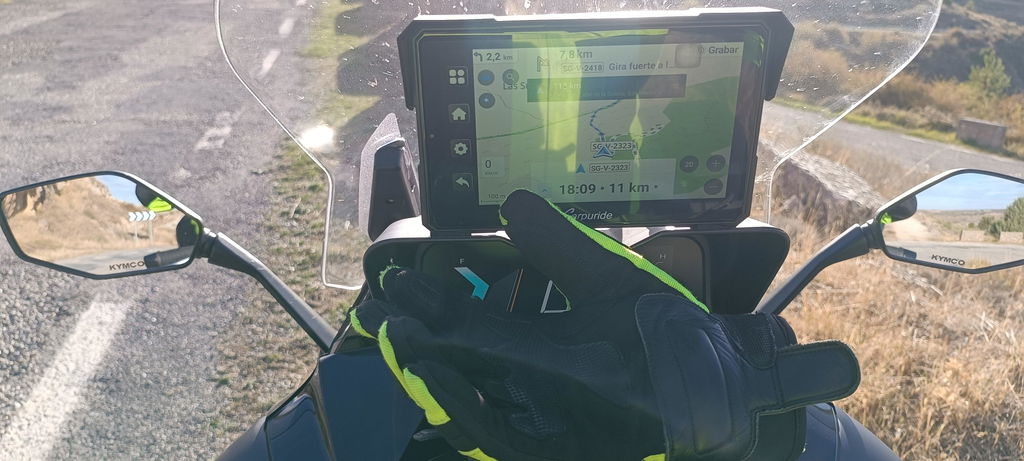
The W702S Plus ships with a wired handlebar controller, and its usefulness in rain is the main argument for it. The cycle key switches between front and rear views and takes a photo on a long press; the phone key answers or ends calls; the home and lock key returns to the main screen or locks the display after a three-second long press. These are physical keys you can find by feel, and they keep working when the screen surface is wet.
Connectors, harness and the card slot
Most water complaints trace to an opening rather than a sealed surface. Three points deserve attention on this model.
· The power connector. The box includes a waterproof power connection; route it so it is not tensioned at full steering lock, because a strained connector seal is not a sealed connector.
· The TF card slot. Keep the slot closed after handling the card, and do it before you ride rather than at a fuel stop in the rain.
· Camera connectors. Front and rear camera leads are separate branches on the harness. Seat them by label and check that each is fully engaged.
Reading the screen through a wet visor
Water on the outside of your visor and water on the screen compound each other. A bright panel helps; a nominal 1,000 nits with automatic brightness is the level Carpuride lists for this model, with the sensor adjusting output to the light. The included removable sunshade is less useful in rain and more useful the moment the sun comes back out, but it also keeps direct spray off the glass.
Angle matters as well: a screen tilted slightly downward sheds water rather than holding a film over the center. That single adjustment does more for wet-weather legibility than any setting.
Temperature range and condensation
The listed operating range for the W702S Plus is −20°C to 60°C (−4°F to 140°F). That covers the temperatures most riders meet, and it is an operating range rather than a promise about thermal behavior in direct summer sun or about condensation.
If you see moisture behind the glass, contact Carpuride support and describe when it appeared. Keep the housing closed.
Two rain profiles and what each one needs
| Profile | What matters most | Setup before the ride |
| Daily commuting in mixed weather | Quick recovery after a shower, controls usable with wet gloves | TF card slot closed, controller within thumb reach, brightness raised for flat light |
| Long touring day with sustained rain | Seals under vibration for hours, visibility through a wet visor, no water tracking along the harness | Harness slack checked at full lock, connectors labeled and seated, offline route prepared in case you stop to wait it out |
A six-point check before rain
1. TF card slot closed.
2. Power connector fully engaged with no tension at full lock.
3. Camera leads seated at both cameras.
4. Automatic brightness on to follow changing light.
5. Screen angle set so water sheds rather than pools.
6. Offline map and route loaded, so a stop does not depend on signal.
After a wet ride, let the exterior and connectors dry before opening any covers. For warranty coverage and return eligibility, see Carpuride’s official Warranty Policy and Returns & Refunds Policy.
Frequently asked questions
Can I ride in heavy rain with the display mounted?
The W702S Plus is rated IP67, which covers rain and temporary immersion. Keep the TF card slot closed, keep connectors seated, and avoid pressure washing.
Why did my screen fog up inside?
If the inside of the screen fogs up, contact Carpuride support. They can assess the symptom and advise what to do next.
Do I need to remove the screen in rain?
No. The rating is the reason you do not have to. The quick-release bracket is for parking convenience and deterrence, not for weather protection.
Are the buttons usable with winter gloves?
The wired controller provides physical keys for view switching, capture, calls and screen lock, which works better than a wet capacitive screen. Very thick gloves still reduce feel, so test your own gloves.