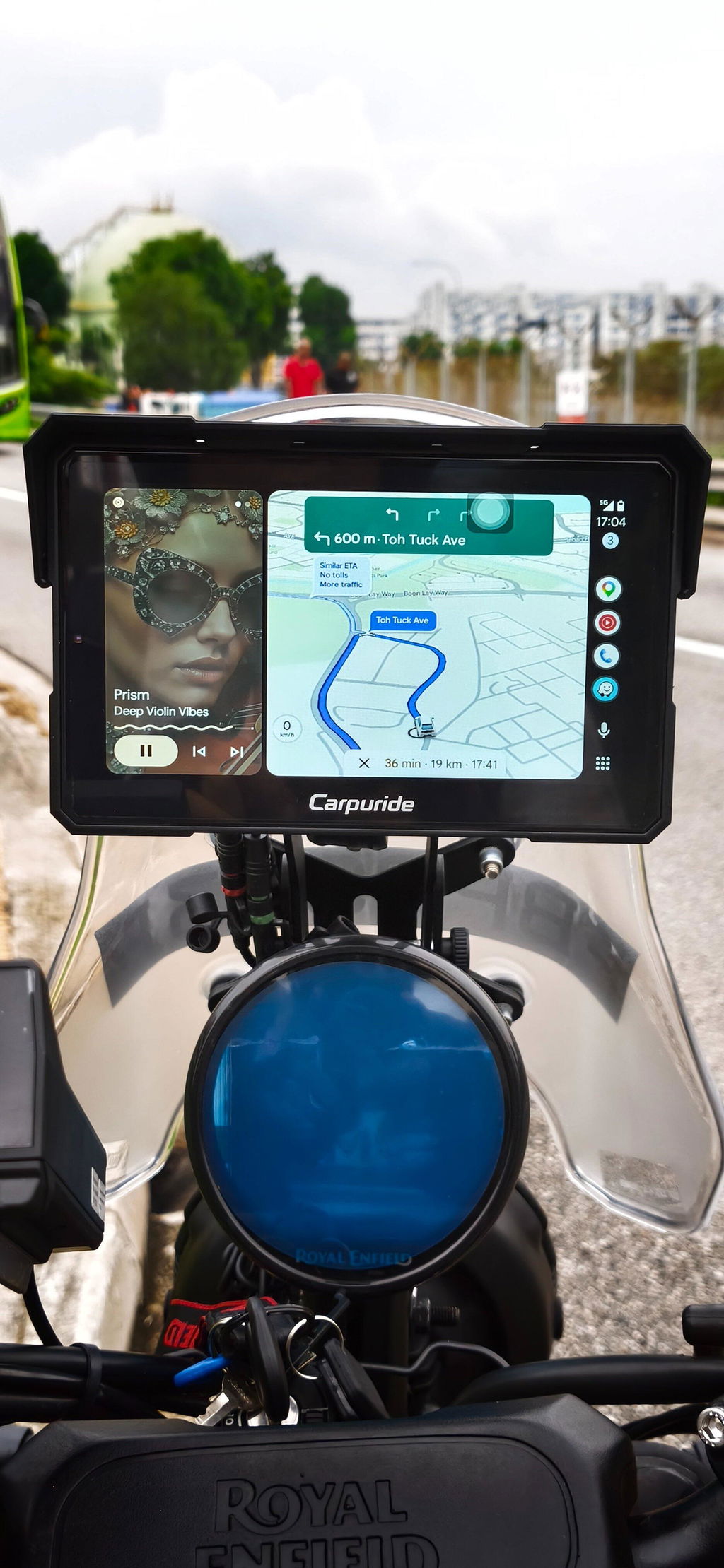
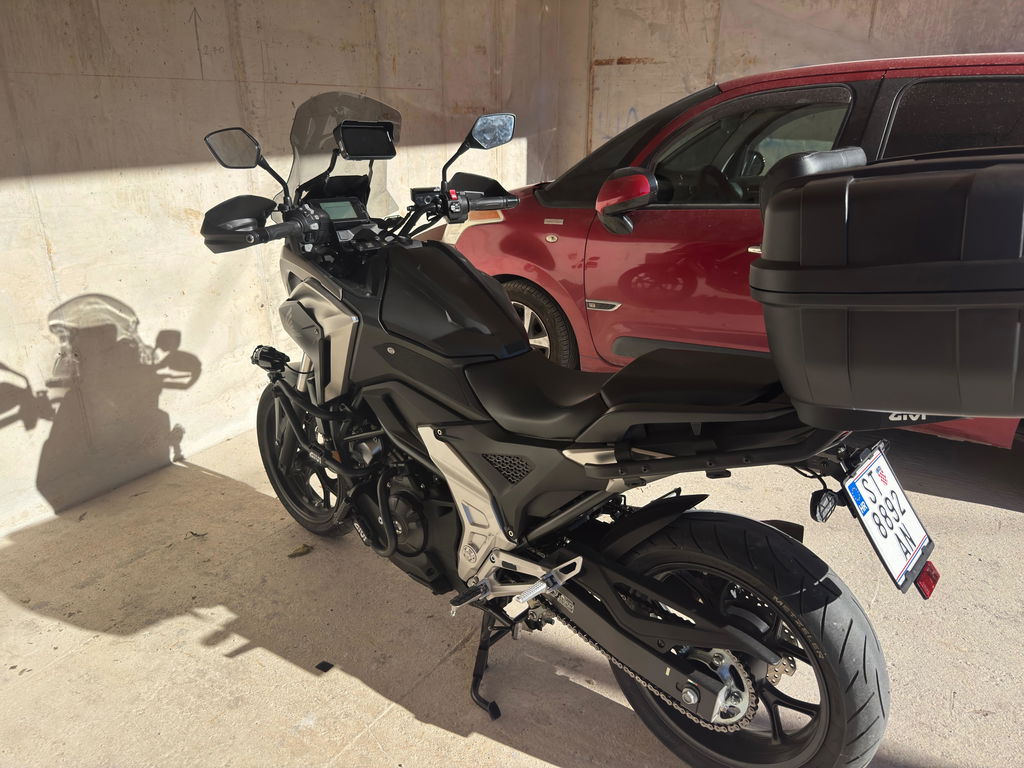
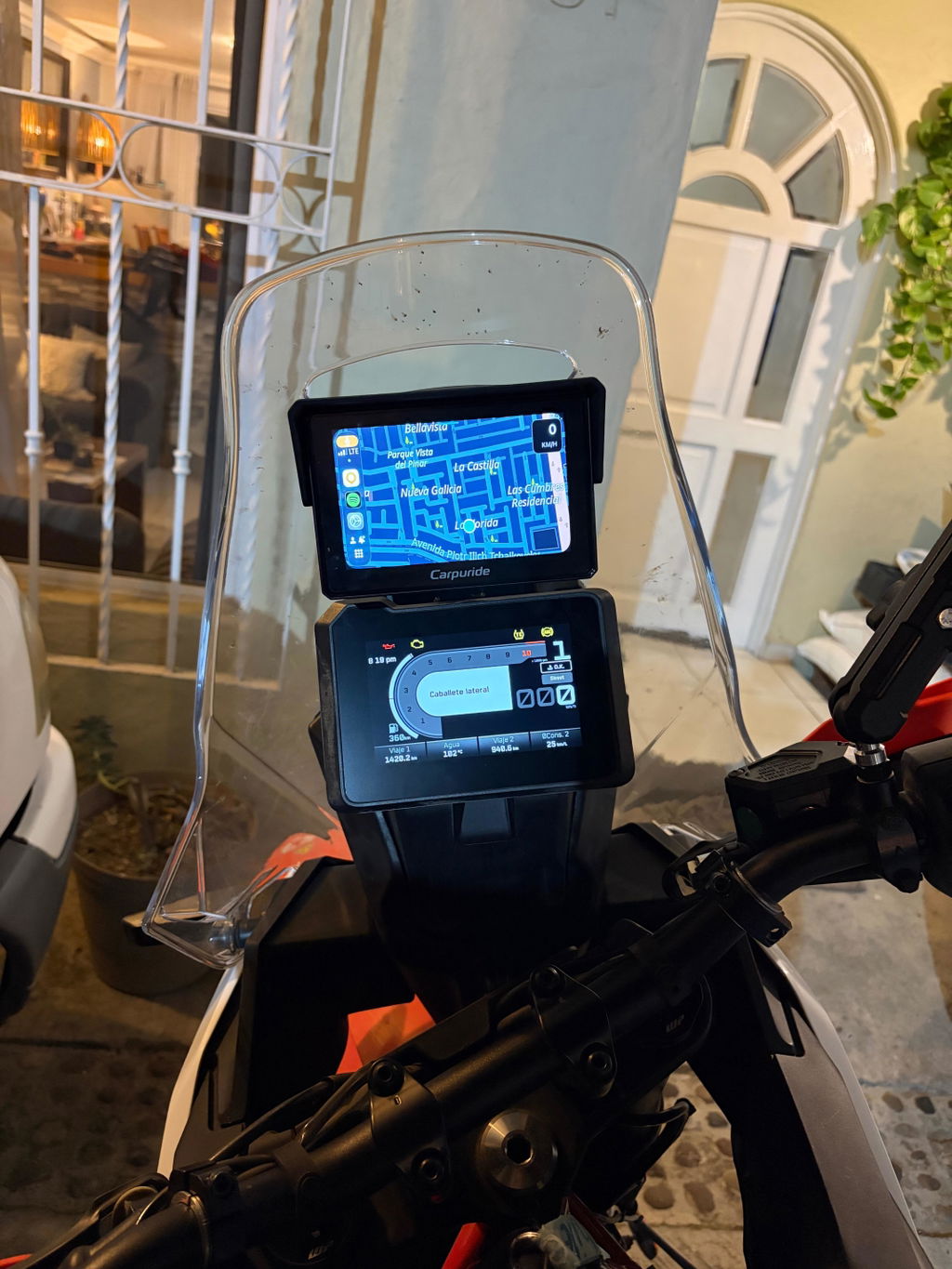
A bike without an accessory socket is not a blocker. What decides the install is which supply form the display accepts: a 12 V hardwire with a switched ACC lead, a USB-A supply, or a USB-C input. The display model determines which of those you may use; the motorcycle only determines where the wire runs and how neatly it hides.
Three power paths, and which models take which
| Path | How it works | Carpuride models using it |
| 12 V hardwiring | The W702S Plus uses its labeled battery-positive, switched ACC and battery-negative leads. Follow the instructions for the exact S Pro model when using 12 V DC. | W702S Plus (12 V 1 A), W702S Pro, W502S Pro and W602S Pro (12 V DC). |
| USB-A cable | No Type-C input; follow the supply listed on the model page | W702S Pro and W502S Pro |
| Type-C input | Runs from a supply rated at least 5V/3A, with charging functions subject to the manual conditions | W602S Pro only among the S Pro models |
Two things follow immediately. First, the absence of a cigarette-lighter style outlet is irrelevant — none of these paths needs one. Second, the ports are not interchangeable between models, and assuming they are is the most common reason a unit arrives and then sits in a box.
Why B+ and ACC are separate on a harness
On the W702S Plus, the labeled B+ and ACC leads serve different purposes. With the harness connected as shown in the model’s wiring diagram, turning off the ignition puts the display into standby. If you turn the ignition back on within four hours, the display wakes. If the ignition stays off for four hours, the display shuts down. Standby can still draw power from the motorcycle battery.
Connecting the ACC lead directly to battery positive defeats that logic and is called out as something not to do. If you are unsure which wire in your bike's harness is switched, test it with a meter with the ignition off and on rather than guessing by color.
The Type-C port on a Plus model is not a power input
On the W702S Plus, the Type-C port is a factory debugging port. It does not power the unit, and the manual warns that feeding more than 5 V through it can damage the device. This point is worth stating plainly because the port looks exactly like a power input and the question comes up constantly.
The W502S Pro and W702S Pro can use a USB-A power cable with a supply rated at least 5 V/2.5 A. The W602S Pro accepts Type-C power at 5 V/3 A or higher. Phone charging and motorcycle-battery reverse charging are separate functions. Reverse charging requires motorcycle-battery operation and charging mode enabled in settings. It is unavailable in USB input mode.
Installation order that avoids rework
1. Fit the bracket to the bar first, and tighten the clamp before the screen is anywhere near it.
2. Route the harness along existing cable paths, leaving slack at full steering lock.
3. Connect power, rear camera, front camera and the wired controller by their labels — four branches, not four battery leads.
4. Push the metal key in to release the retaining clip, seat the screen, remove the key so the clip locks it in place.
5. Turn the ignition on and confirm the unit boots, then off and confirm it sleeps.
Four wiring mistakes worth avoiding
· Joining the ACC lead to battery positive. The unit never knows the ignition is off.
· Feeding power through the Type-C debug port. On Plus models this is not a supply input at all.
· Reusing another family's harness. The W702S Plus comes with its own labeled harness; match the harness to the model.
· Ignoring the bar fit selection. The BM05 kit includes ring and square bracket options for different handlebar sizes, and the right choice depends on your bar diameter.
Pre-install check you can run in five minutes
1. Identify a switched 12 V source and confirm it with a meter.
2. For the W702S Plus, connect the black lead to battery negative as specified in the manual.
3. Measure handlebar diameter where the bracket will sit.
4. Check clearance at full steering lock for the screen size you plan to fit.
5. Confirm the phone you will use appears in the compatibility statement.
6. Decide where the controller cable will run so it does not foul the tank.
If the install is done and the unit behaves oddly, work through the connection troubleshooting guide before chasing a hardware fault. And if you would rather buy the projection-only path with a USB-A supply, the Universal S Pro series covers 5, 6 and 7-inch options.
Frequently asked questions
Can I power the display from the bike's USB socket?
Only if the model accepts USB input and the port meets its rating. The W502S Pro and W702S Pro have no Type-C input and follow their own model-page supply requirements; W602S Pro needs Type-C at 5V/3A minimum; the W702S Plus is a 12 V hardwire unit.
Do I have to cut into the wiring loom?
The harness connects to battery positive, a switched ACC source and ground. Whether that means adding a fused tap or using an existing accessory circuit is a decision for your bike and your installer.
Will the screen drain the battery when parked?
With correct B+ and ACC wiring it sleeps when the ignition is off and shuts down fully after a longer interval, but the manual warns the sleep state can consume battery. A bike that sits for weeks needs a charging routine.
Why does my unit restart every time I turn the key?
On the W702S Plus, correct B+ and ACC wiring allows the display to sleep when the ignition is turned off. The manual describes wake-up within four hours and full shutdown after that interval. If the unit repeatedly reboots while the ignition stays on, check the wiring against the manual and contact support if it continues.