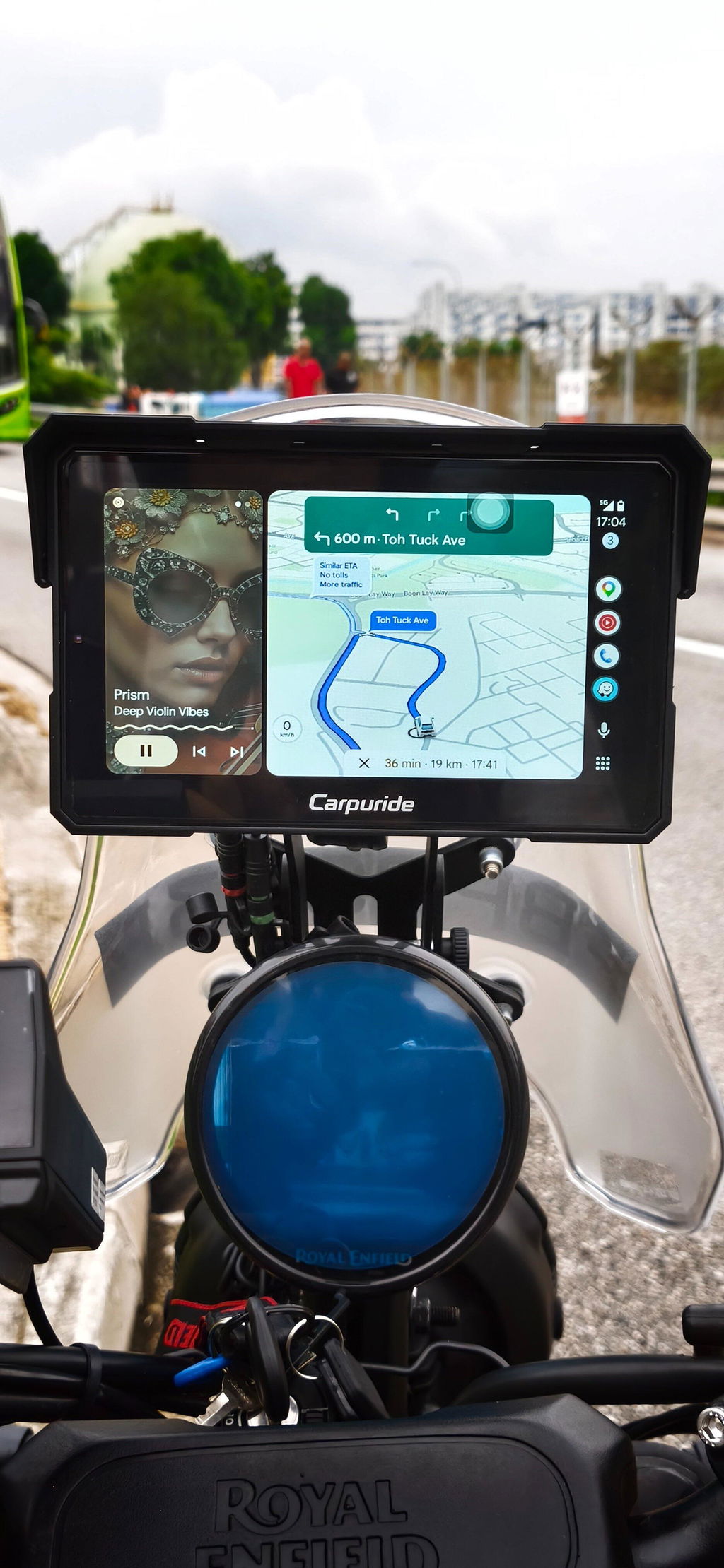
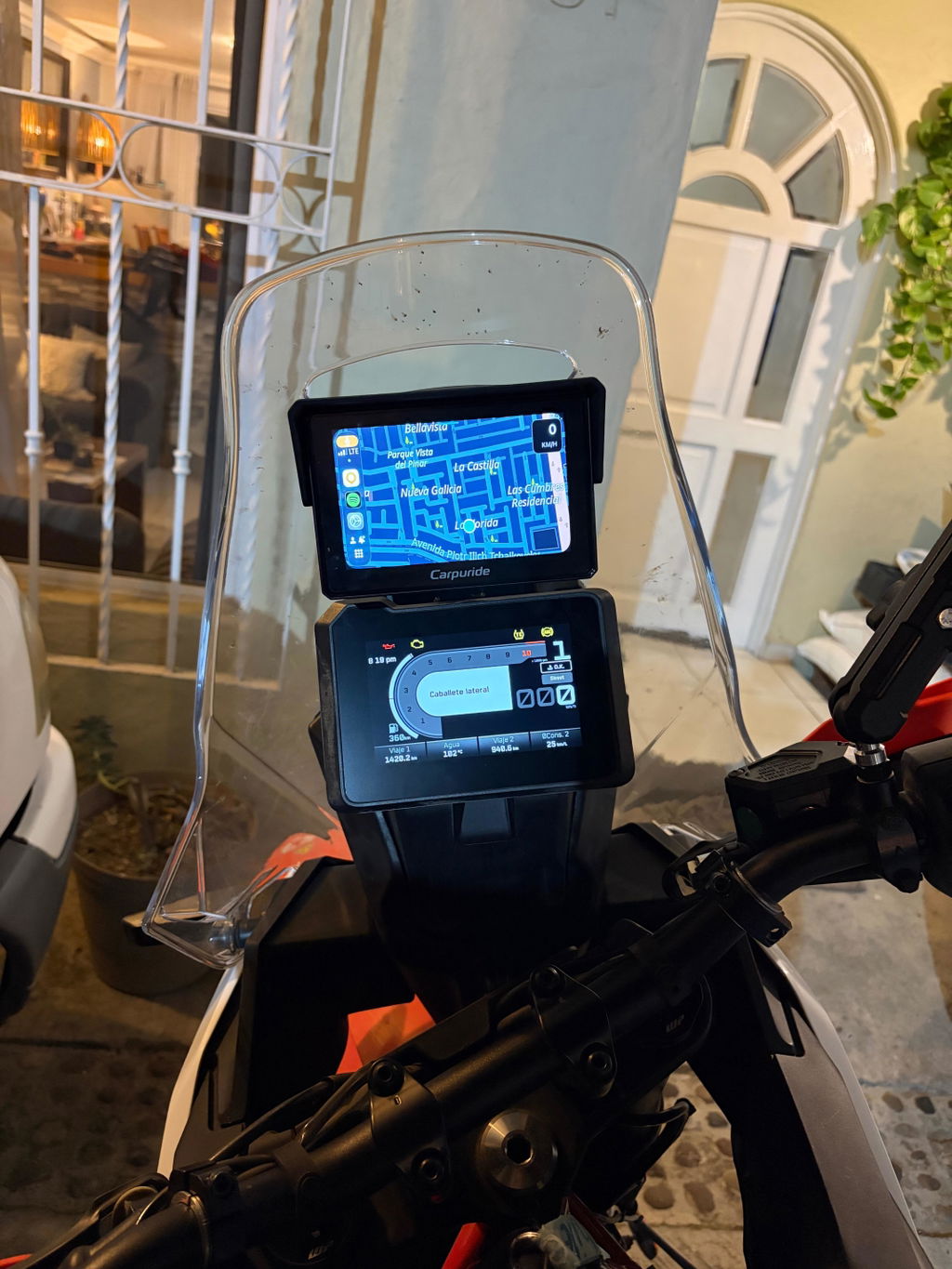
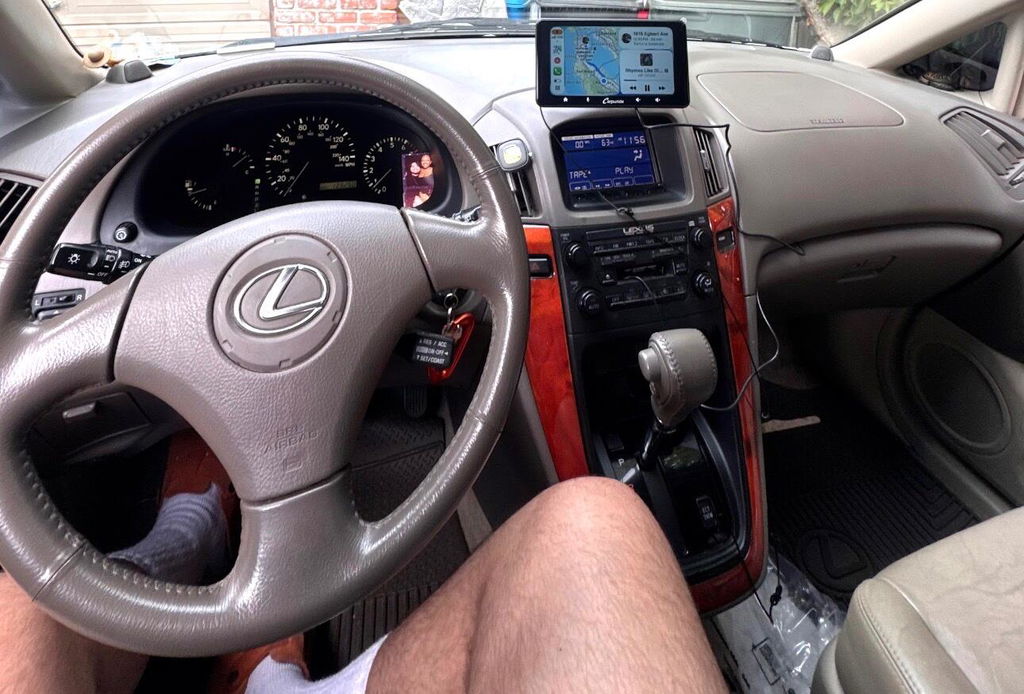
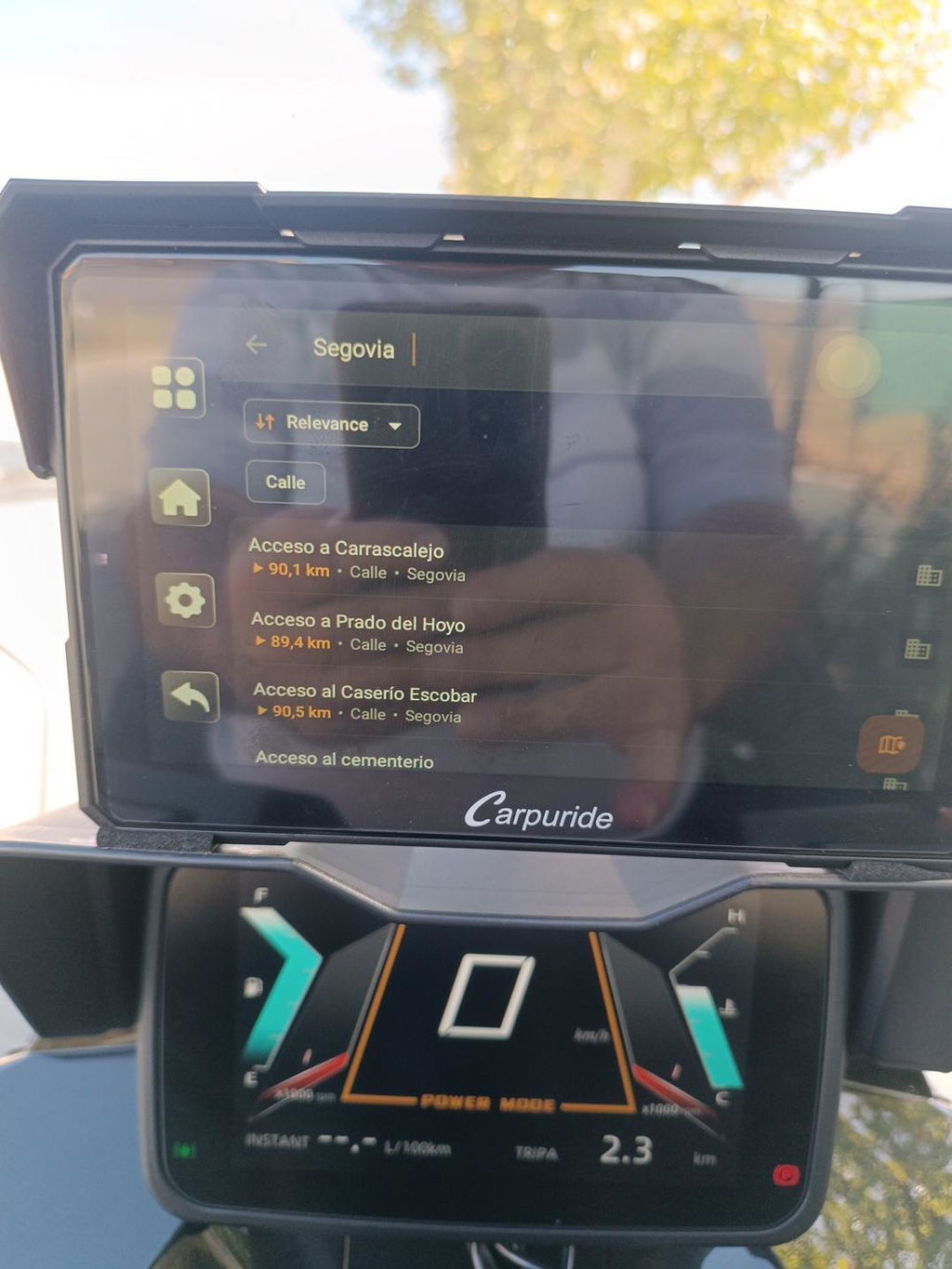
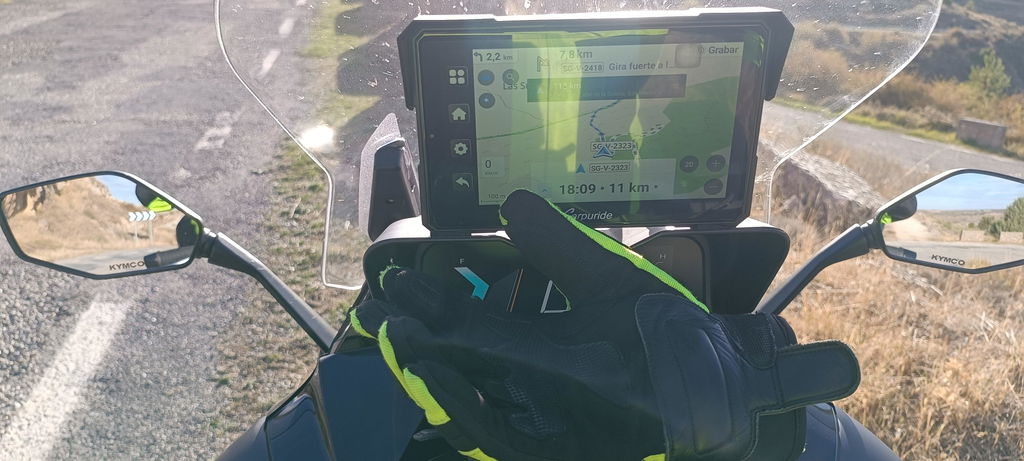
The deciding question is where the app runs, not how big the screen is. If the display has its own Android system with app installation, the navigation app is installed on the screen and can use downloaded maps with the built-in GPS. If the display only supports wireless CarPlay or Android Auto, the app runs on your phone, the screen shows the interface that the projection protocol permits, and offline behavior depends on the phone and the app.
Two types of motorcycle navigation screen
| Type | Where apps run | Offline maps | What it cannot do |
| Native Android display | On the device, from its own app store | App downloads map areas to device storage; built-in GPS provides position | No live traffic without a data connection; app availability depends on system, region, account and subscription |
| CarPlay / Android Auto display | On the paired phone | Maps work offline if the app supports downloaded maps and they are saved on the phone | Cannot install an arbitrary phone app on the screen; interface is limited to what the projection protocol exposes |
This is why two riders can both own a large screen and get different answers. On a projection-only unit, you are asking whether the phone app has an offline mode. On a native Android unit, you are asking whether the app installs and runs on the device.
The three navigation paths on a native Android display
· Phone projection. The phone connects over Bluetooth and Wi-Fi and the screen shows CarPlay or Android Auto. Convenient, but the app and its functions are bounded by what the projection protocol allows.
· On-board online navigation. The device joins Wi-Fi or a phone hotspot, you install the navigation app from Google Play, and the app pulls online maps and live data.
· On-board offline navigation. You install an offline-capable app in advance and download map areas to the device; the built-in GPS then provides position with no network at all.
The third path is the one people actually mean when they ask about remote riding, and it has a precondition: the map must be downloaded before you leave signal. A device with a built-in GPS but no map data will show a position on an empty grid, which is not navigation.
App availability: what Carpuride states and what it does not
Carpuride lists Rever, Kurviger and Calimoto as example riding apps for the W702S Plus, and the device accepts compatible Android apps generally. That is a statement about the platform, not a promise that every app, every paid feature, every region and every app version behaves identically. Before a trip that depends on one app, open it on the device, download a small test area, and confirm the functions you need appear.
Carpuride lists REVER as an example app for the W702S Plus. If you plan to use REVER or Gaia GPS, check whether your version installs on the display and lets you download the maps you need. Before leaving, disconnect the display from Wi-Fi or your hotspot and verify that the downloaded maps and the features you need still work.
What the Carpuride W702S Plus provides for this job
· Android 14 on an octa-core processor, 4GB RAM, 64GB internal storage for the system and apps.
· A 64GB TF card included in the box, mainly for recorded video, listed as expandable to 256GB.
· Built-in GPS, so the device can fix its own position without a phone.
· 7-inch IPS panel at 1024×600 with 2.5D glass, nominal 1,000 nits, automatic brightness, IP67, operating range −20°C to 60°C (−4°F to 140°F).
· Wireless CarPlay and Android Auto for the projection path, plus Bluetooth 5.2 and Wi-Fi settings for the on-board path.
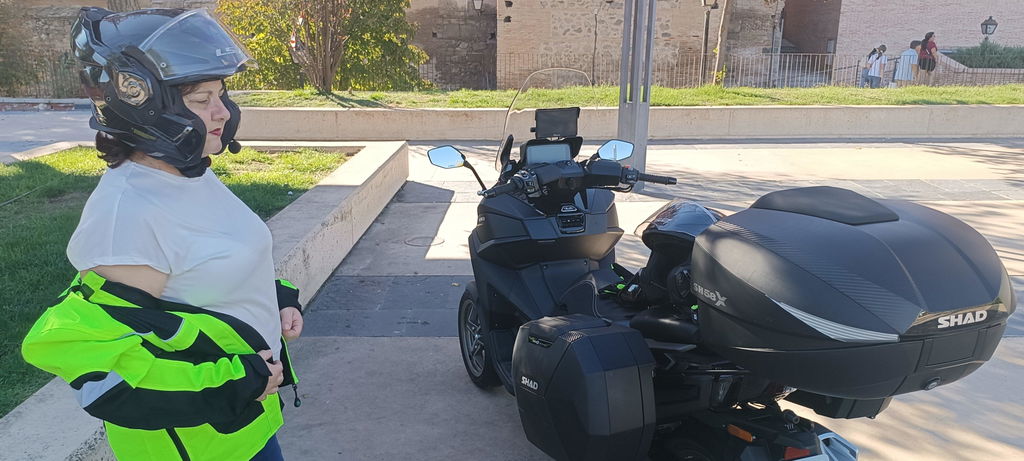
Both models support compatible apps on the display and have built-in GPS. The W702S Plus uses a dedicated BM05 quick-release bracket, while the W702 Plus uses a U-shaped handlebar bracket. Choose the bracket that fits your motorcycle, and test your preferred app on the display before relying on it for a ride.
Checking that the GPS is actually working
Take the device outdoors with a clear view of the sky and confirm the built-in GPS locks a position before you leave. A fix indoors or under cover is not a meaningful test, because GPS reception needs open sky and accuracy varies with location.
What the listed connections rule out
Carpuride lists Wi-Fi and phone-hotspot connections for the W702S Plus, with no mobile data connection listed. Live traffic, online map tiles and streaming all need Wi-Fi or a phone hotspot. Offline maps and media already on the device keep working when the network disappears.
Before ordering, check the phone compatibility statement: all HarmonyOS devices and Huawei EMUI P and Mate series are not supported for the wireless connection, and most Android 11 and newer phones are usually compatible without being guaranteed.
Frequently asked questions
Can a CarPlay-only screen run Gaia GPS on the device?
No. A projection-only screen displays apps running on your phone. Offline use then depends on the phone app, and the interface you see is limited to what CarPlay or Android Auto exposes.
Do I have to download maps on the display and on the phone?
Only on the device that will run the app. For on-board navigation, download on the display. For projection, download in the phone app.
Will the display navigate if the phone battery dies?
On a native Android display with offline maps prepared, yes: the phone is not part of that path. On a projection-only screen, no, because the app is running on the phone.
Does offline navigation give me live traffic or closures?
Downloaded maps do not provide live traffic or current closure updates. Offline route calculation and rerouting depend on the app and the map data you downloaded.