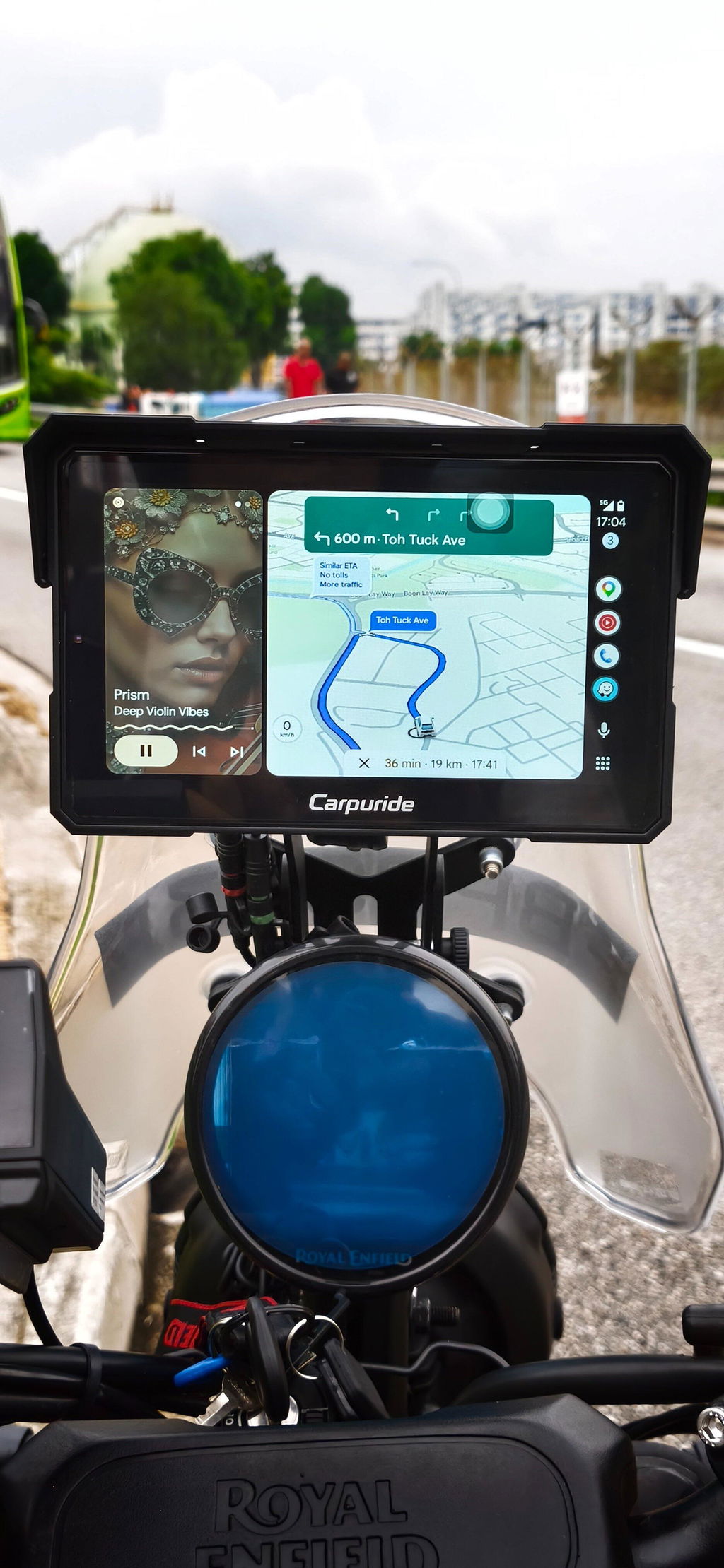
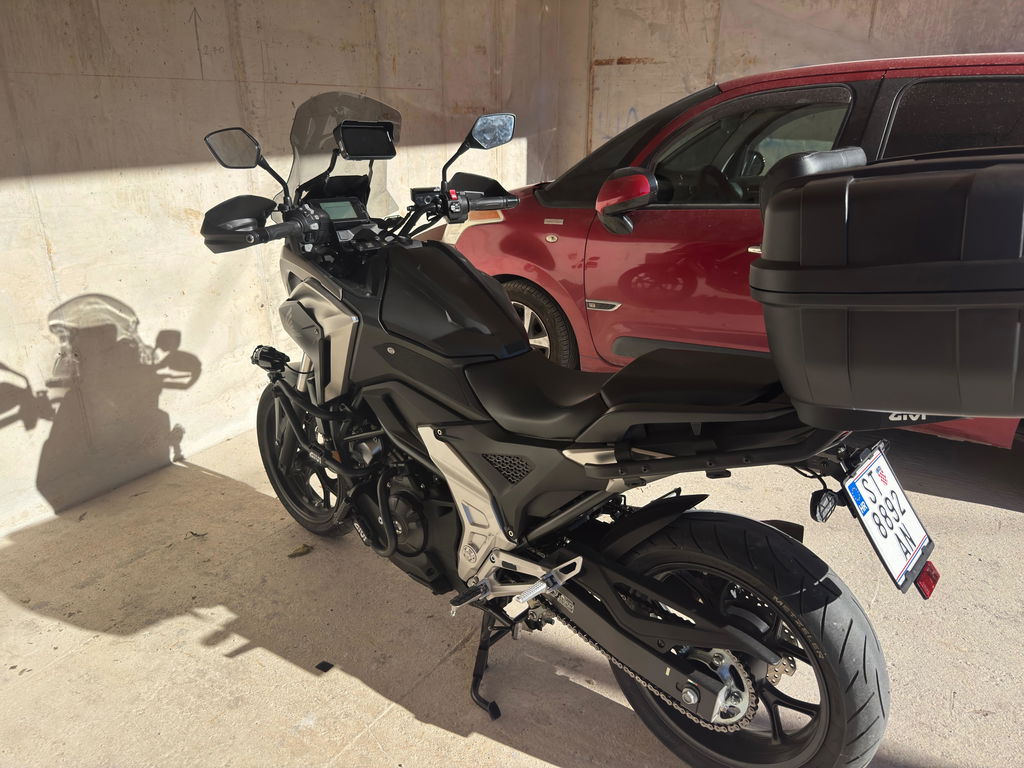
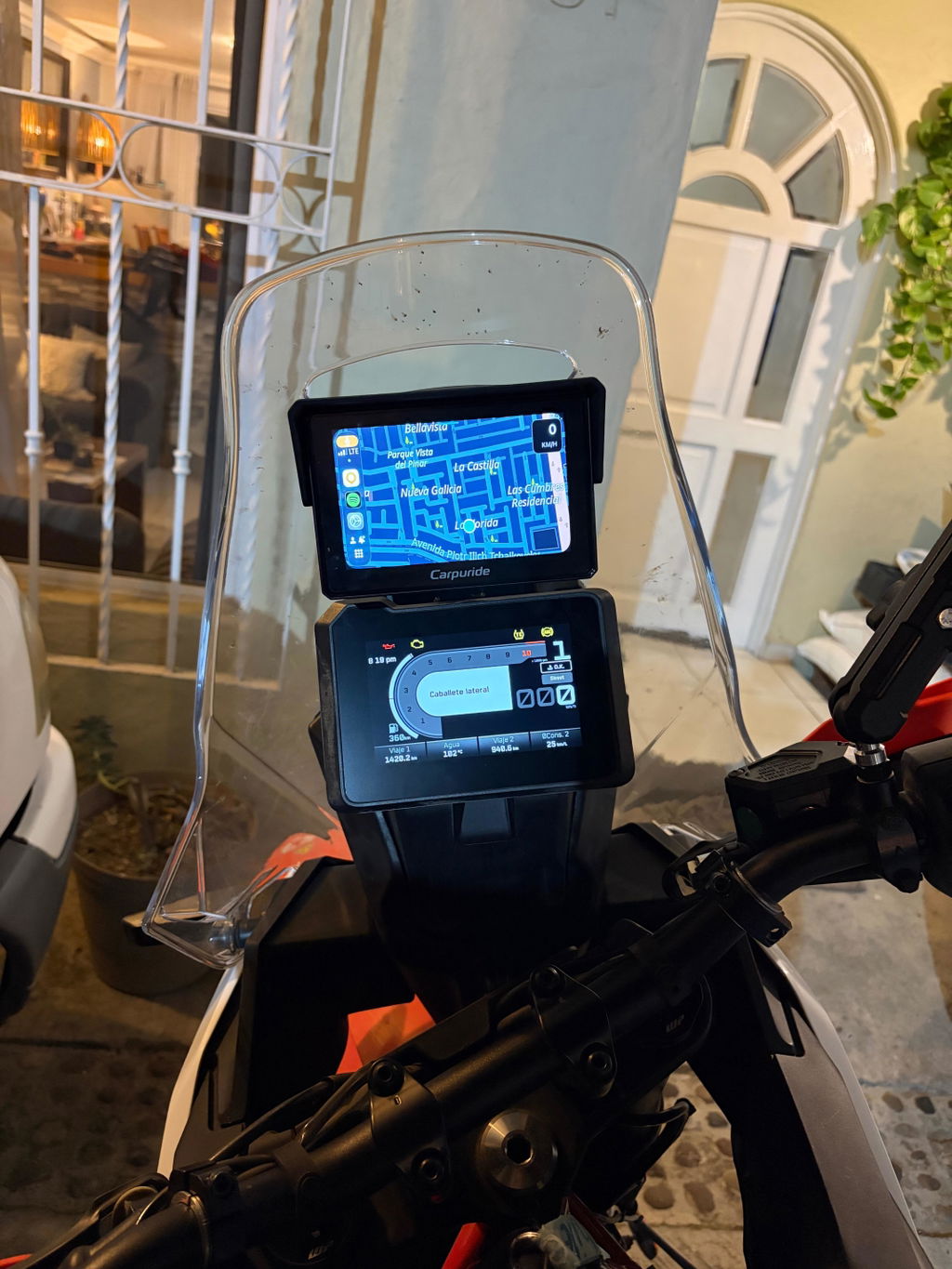
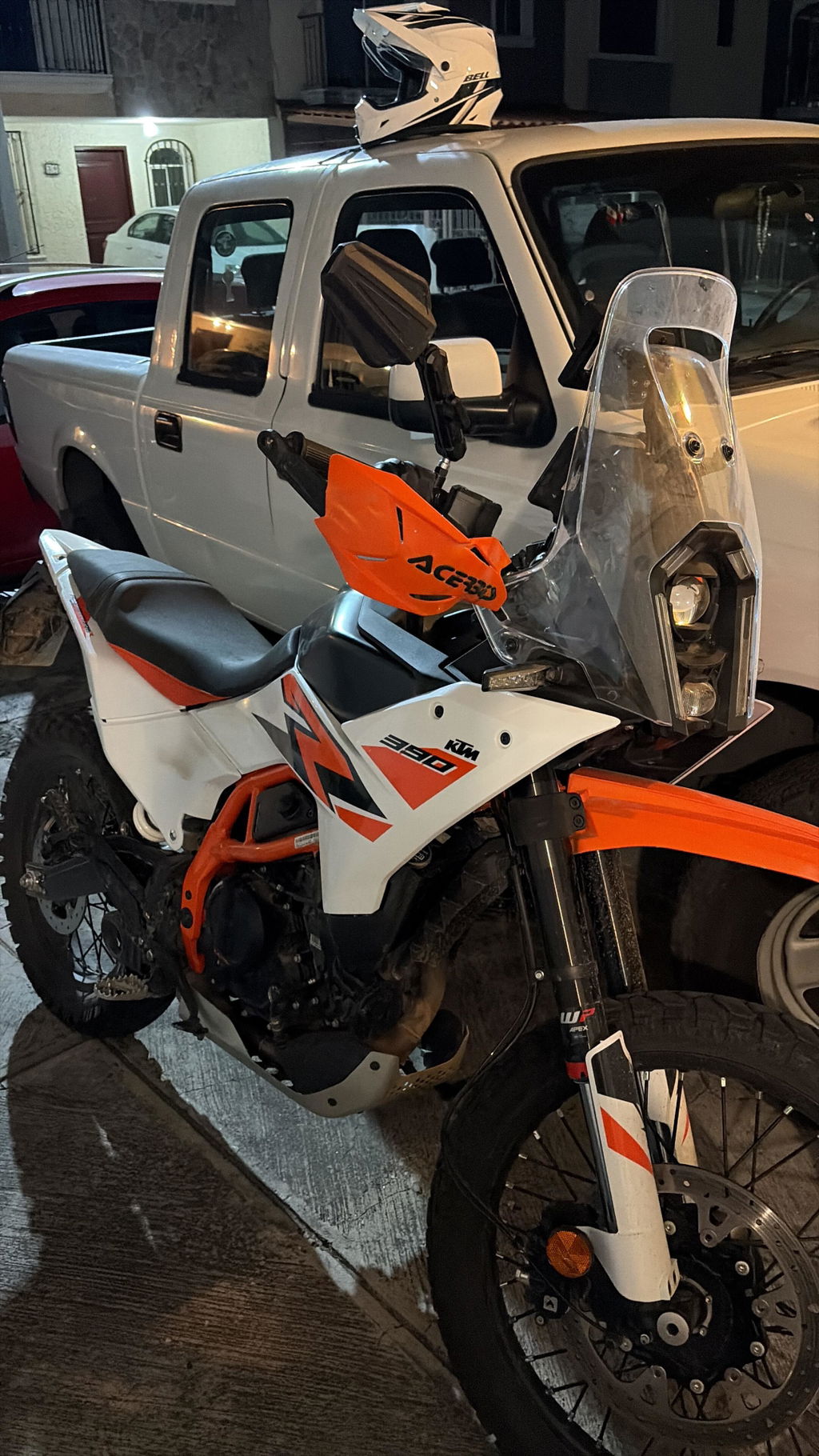
Upgrading your motorcycle with a smart screen is one of the easiest ways to bring wireless Apple CarPlay, Android Auto, and GPS navigation to your ride. However, securing your screen safely and stably requires the right hardware.
Because motorcycle handlebars come in various diameters, shapes, and mounting locations, there is no single "one-size-fits-all" bracket. Whether you ride a classic cruiser, a naked streetfighter, or an adventure touring bike with a 12mm GPS bar, this guide will help you choose the ideal bracket for your setup.
📏 Step 1: Identify Your Handlebar Diameter & Mounting Spot
Before picking a bracket, measure the outer diameter of the bar where you plan to install your screen:
• 12mm Thin Crossbars / Accessory Bars:
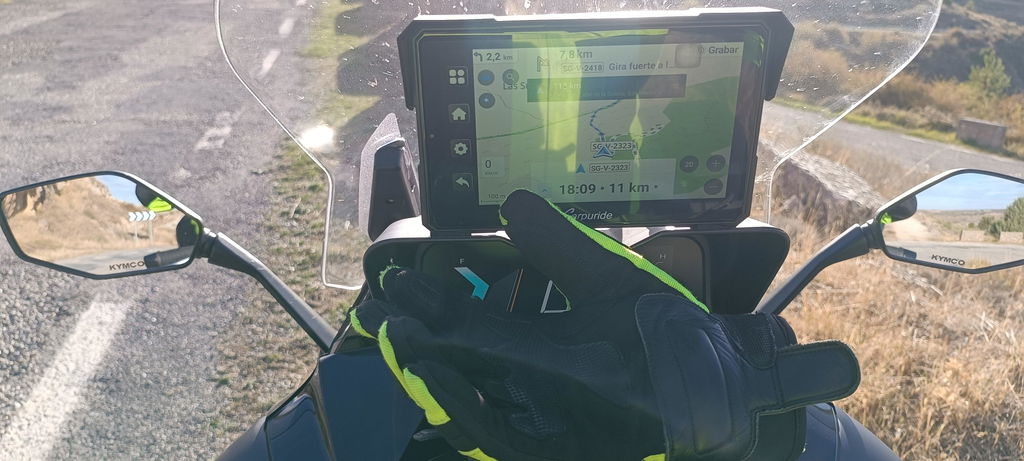
Commonly found above the instrument cluster on ADV and touring motorcycles (such as the BMW GS series) for GPS placement.
• 22mm (7/8"), 25.4mm (1"), & 28mm (1-1/8") Standard Handlebars:
The standard sizes used on most naked bikes, cruisers, and street motorcycles.
• 31mm Oversized / Fat Bars:
Thicker handlebar sections found on heavy adventure bikes and custom setups.
🔩 Step 2: 3 Universal Carpuride Mounting Brackets Explained
This guide covers three universal mounting brackets: Ring, U-shaped, and Universal Square. BM05 and BMW-specific brackets require compatible Carpuride screen models and are not universal alternatives. Always check screen compatibility as well as handlebar fit before purchasing.
⭕ 1. Ring Bracket (12mm – 28mm Handlebar Range)
The Ring Bracket is a versatile, high-value option for standard round handlebars.
• Handlebar Fit:
Fits pipe diameters from 12mm to 28mm using included stackable silicone pads (12mm, 22mm, 25.4mm, and 28mm).
• Dual Installation Modes:
Mode 1 (360° Ball & Extension Rod): Uses an extension rod and dual ball joints to give you full 360° angle flexibility, making it easy to raise the screen above your stock dash.
Mode 2 (Direct Low-Profile Mount): Removes the ball tip and connects the ring clamp directly to the back of the screen, creating a sleek, flush fit close to the handlebar for reduced wind resistance.
🧲 2. U-Shaped Bracket (12mm – 31mm Wide-Range Coverage)
The U-shaped Bracket is designed for maximum adjustment range and oversized handlebars.
• Rubber Cap Rule:
With Rubber Cap: Fits 12mm to 18mm thin bars while providing rubberized anti-slip grip and scratch protection.
Without Rubber Cap: Expands to fit 12mm to 31mm bars.
• Dual 360° Adjustment:
Features a 360° rotatable extension arm and ball head, giving you maximum freedom to position the screen away from brake reservoirs, mirrors, or windshields.
⬛ 3. Universal Square Bracket (12mm – 18mm Thin Bar Mount)
The Universal Square Bracket is a compact solution built specifically for narrow crossbars.
• Handlebar Fit:
Fits 12mm to 18mm bars using stackable 12mm silicone pads.
Direct Fixed Mount: Clamps onto a 12mm GPS bar and bolts directly to the back slot of standard Carpuride screens for a secure, stable setup.
Compatibility Note: The Universal Square Bracket and “Square Bracket (for BM05 bracket)” are different and are not interchangeable.
🎯 Step 3: Quick Buyer's Decision Guide
Find your riding style and setup below to select the right setup from our Carpuride motorcycle accessories line-up:
🗺️ If you have a 12mm ADV windshield GPS bar:
• Choose the Universal Square Bracket for a fixed, low-profile installation.
🏍️ If you have standard 22mm, 25.4mm, or 28mm handlebars:
• Choose the Ring Bracket for versatile positioning or flush low-profile mounting.
🛠️ If you have an oversized 31mm fat bar or complex dash layout:
• Choose the U-shaped Bracket for maximum bar diameter compatibility and wide-angle arm rotation.
Choosing the right bracket helps keep your display stable for easier navigation. Explore our complete range of motorcycle smart screens and mounting hardware to customize the perfect setup for your bike.
Read More
Will your screen fit without blocking the gauges? Check our